Scan
Scan the QR code on the asset to open its record on a phone — no app to install.
 Get AssetForge
Track machinery, vehicles and equipment with QR labels, digital pre-starts, fault reporting and a complete asset history — from one Windows PC and the phones your crew already use.
Sunshine Coast & surrounds
If you're in or around the Sunshine Coast, we'll come to you and set the whole thing up — install AssetForge on your office computer, get your assets and staff logins in, print your first QR labels and walk your crew through it on their own phones. No charge for subscribers.
Email us to ask about it or to book a date. Outside the area? We can't come to you, but we'll talk you through setup over a call and answer questions as you go.
Scan. Inspect. Track.
Simple enough that staff actually use it, every shift — on their own phones.
Scan the QR code on the asset to open its record on a phone — no app to install.
Complete checks, report faults with a photo, and open manuals and asset information on the spot.
Managers keep the maintenance, fault and inspection history together in the desktop workspace.
Lean manufacturing
The core workflows line up naturally with the five steps: know what equipment you have, give it a place and identity, inspect it consistently, standardise the process and keep the record going.
The asset register makes owned, redundant and out-of-service equipment easy to identify.
Every asset gets a fixed identity and QR label, so its details and history are one scan away.
Pre-start and cleaning checklists keep equipment inspected, maintained and in good order.
Preset digital checklists give every shift the same process instead of relying on memory.
Dashboards, logs and maintenance reminders keep the routine visible and leave a record that proves it.
The product
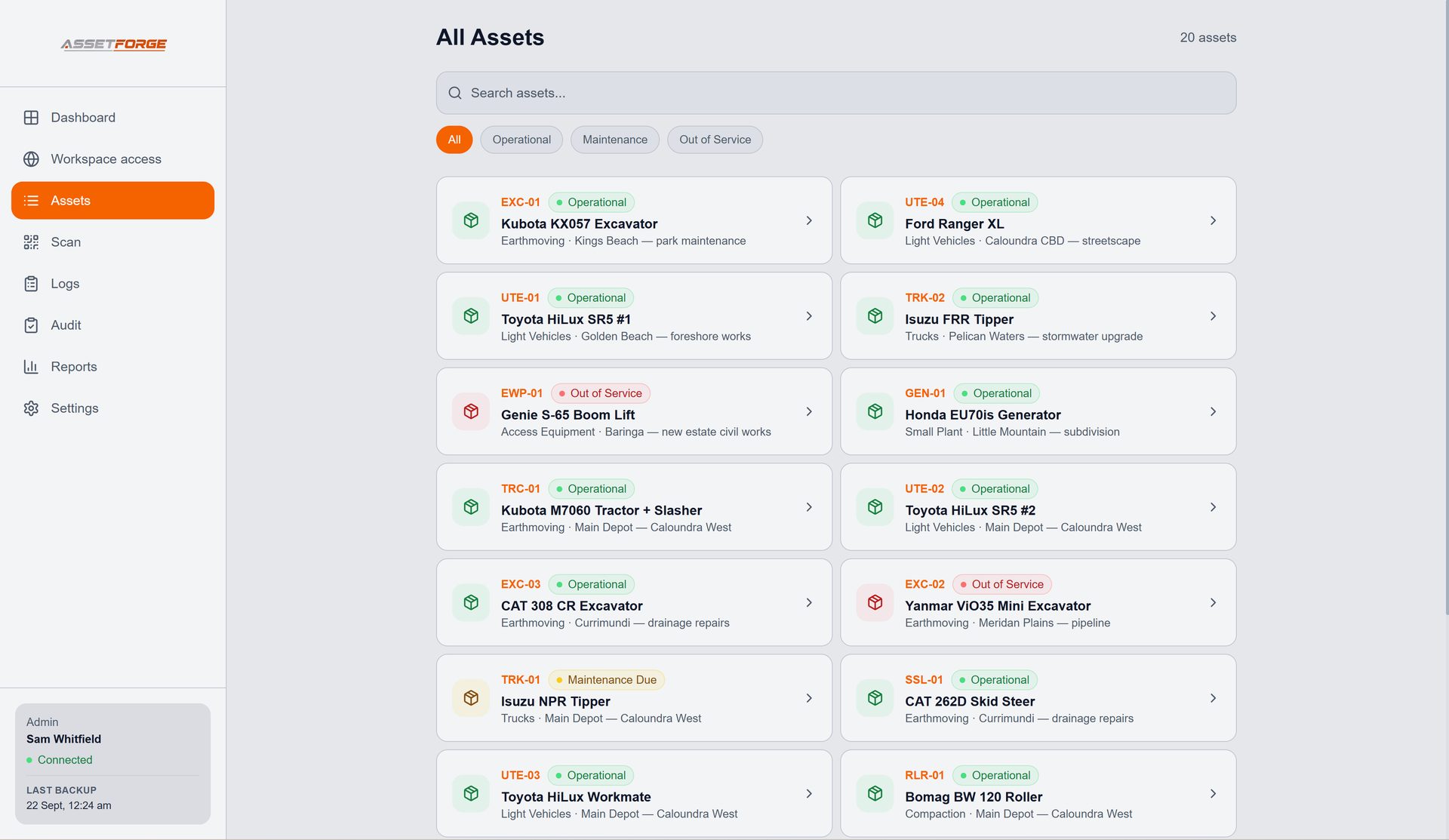
AssetForge follows the work from the floor to the office: find the machine, capture the check, record the issue and keep the history useful afterwards.
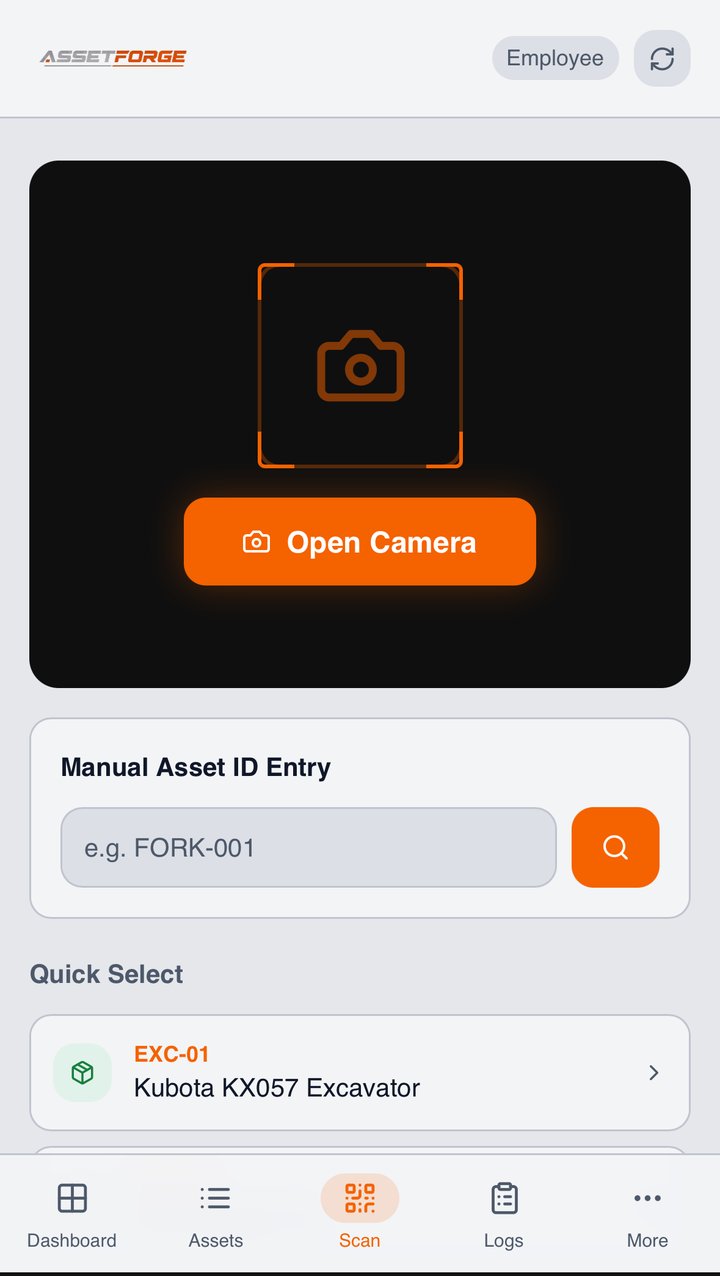
The Scan screen opens the phone camera and takes staff directly to the matching asset. If a label is damaged, the asset ID can still be entered manually.
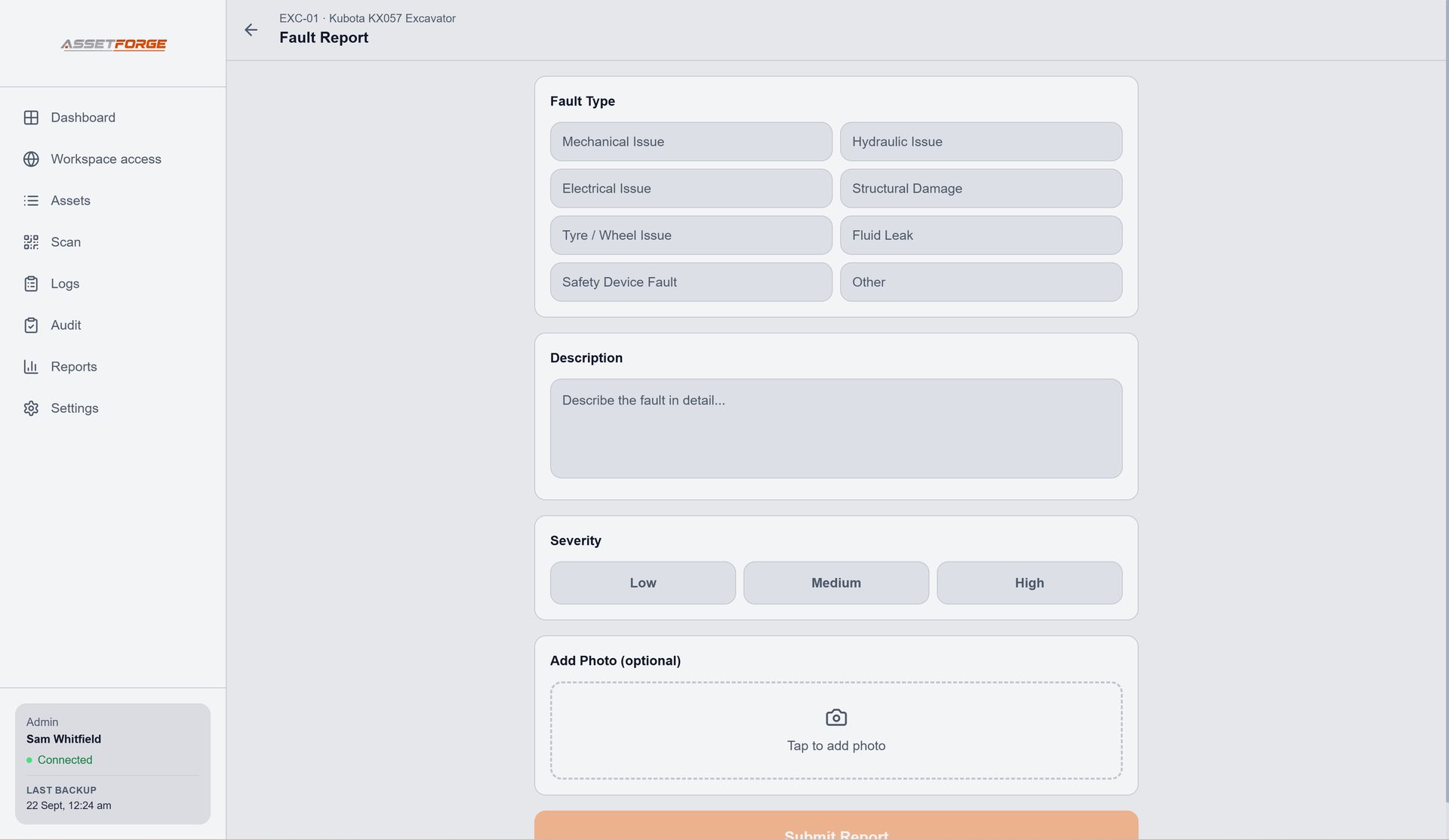
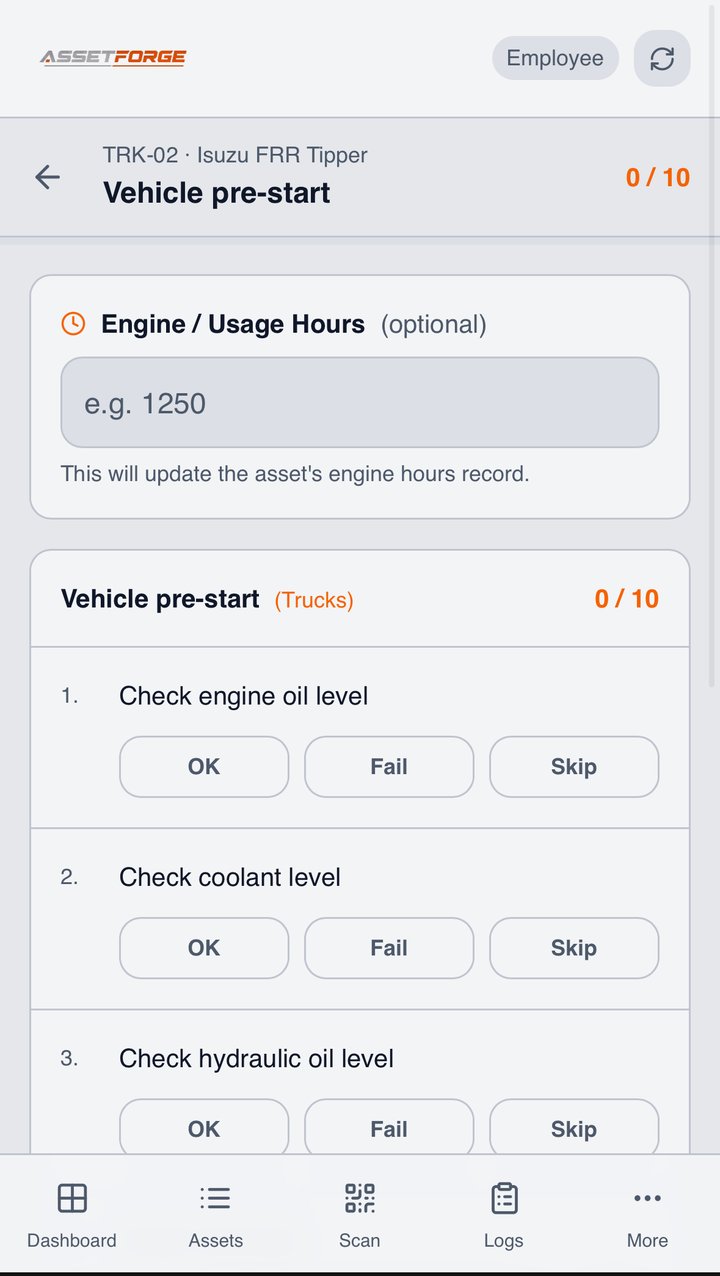
Staff tap through the same checklist each time, then faults can be raised with a description, severity and photo. Completed work stays attached to the asset instead of disappearing into paper or chat.
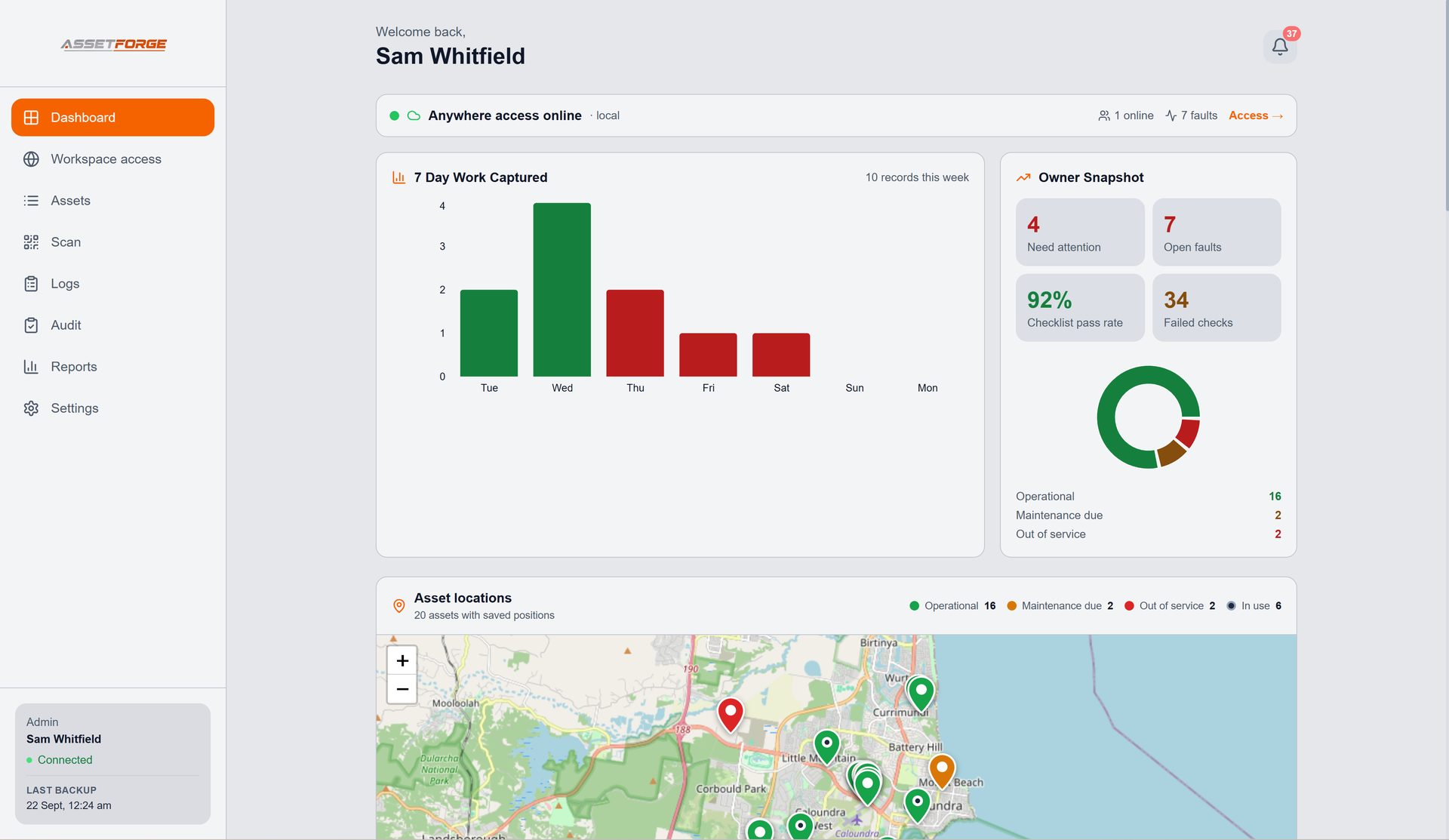
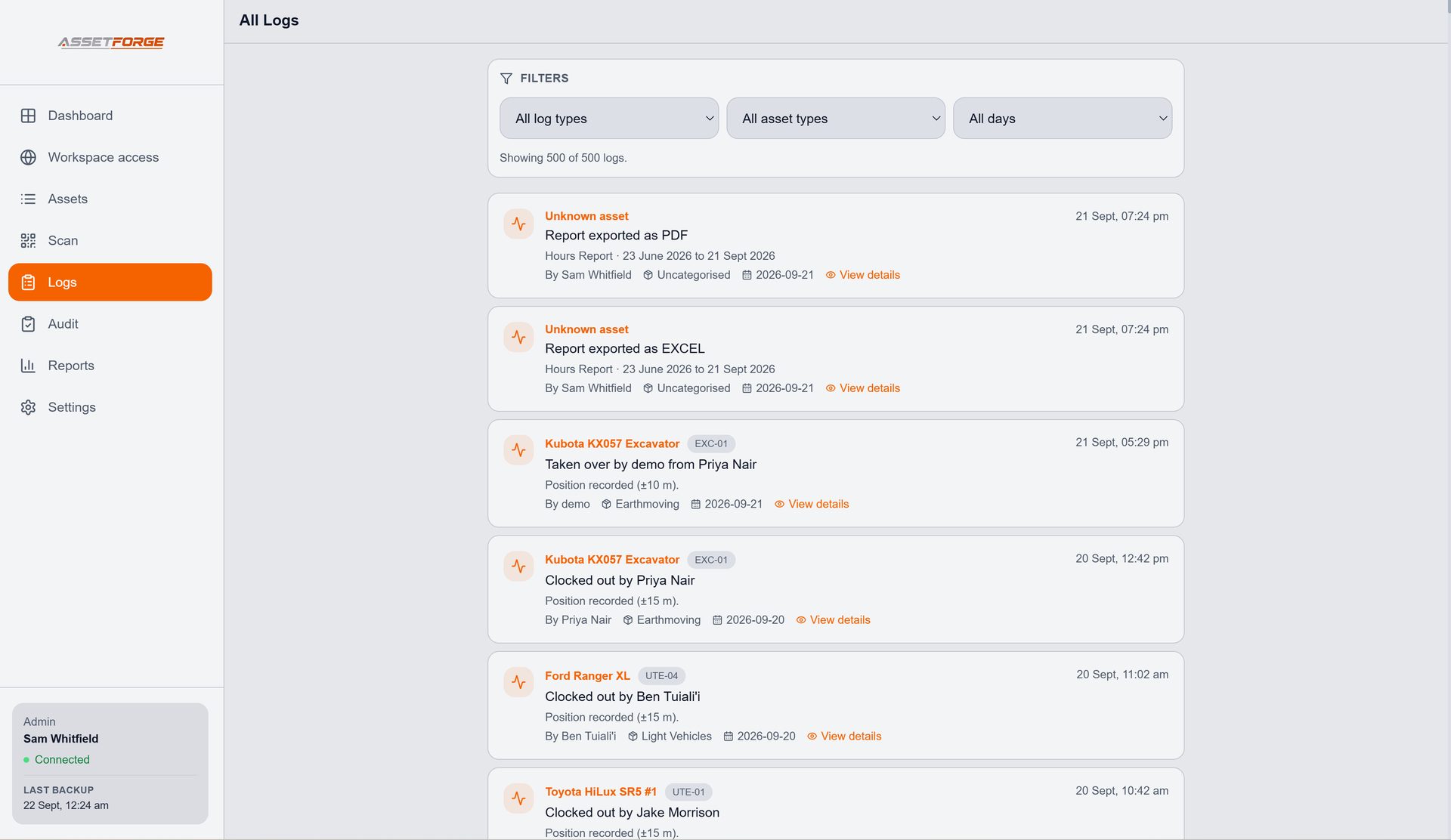
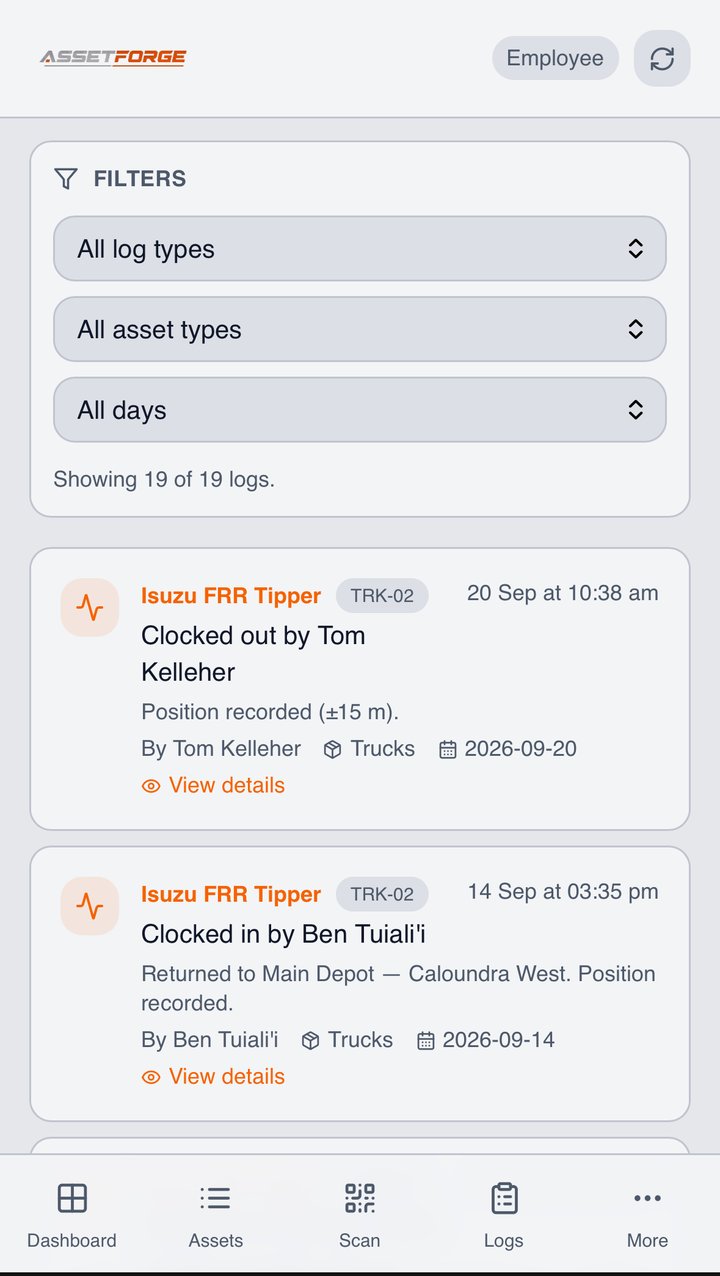
The dashboard shows what needs attention now, while logs preserve what happened before. Open an entry to see the full detail behind a checklist, fault or maintenance action.
New in AssetForge
The latest release adds clock in/out with GPS, secure access from anywhere, maintenance scheduling straight into your calendar, and live maps on AssetForge Advanced.
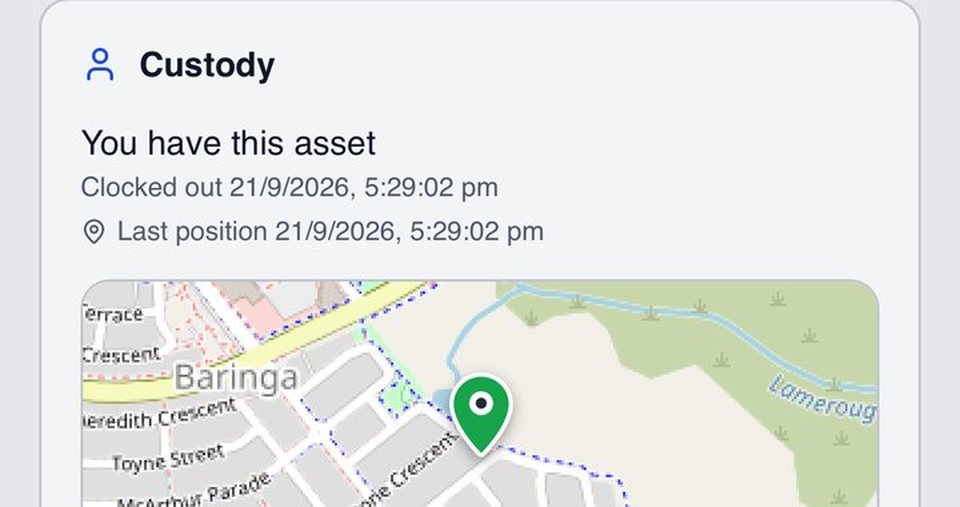
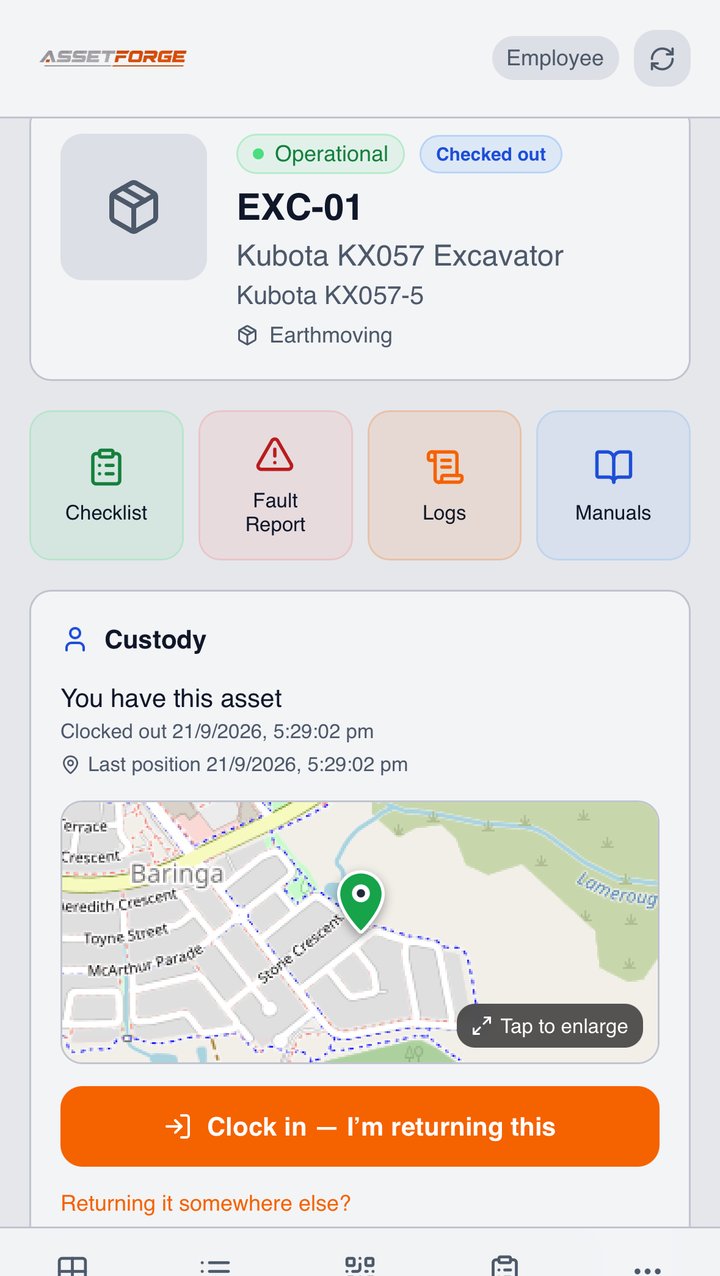
Staff tap once to take or return an asset. It's recorded against their login with the phone's location — no names to type.
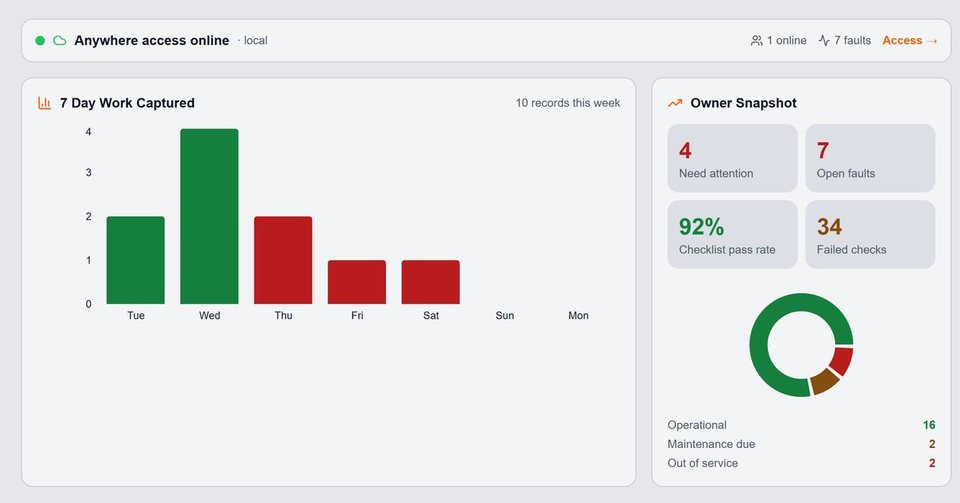
A private https link lets your team use AssetForge on mobile data, at job sites or at home. No VPN, no router settings. Included in both plans.
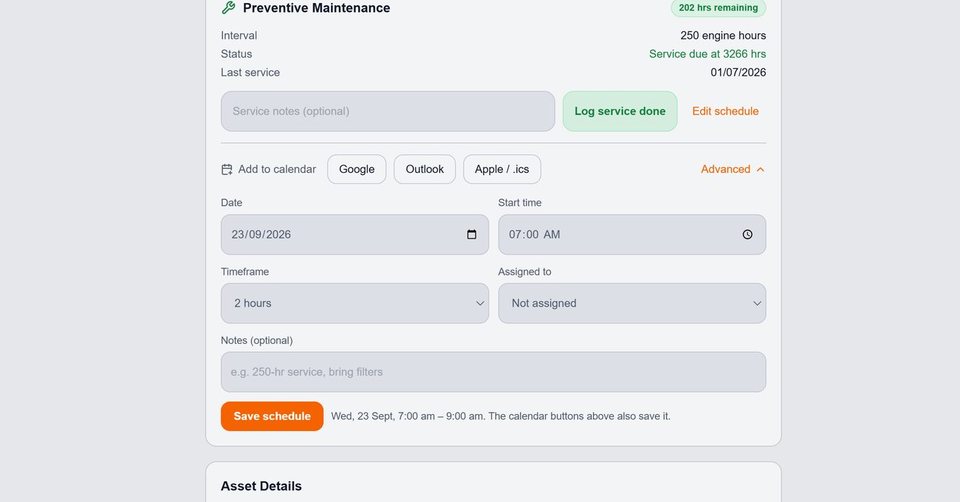
Send a service to Google, Outlook or Apple Calendar, block out the time and assign the person doing it.
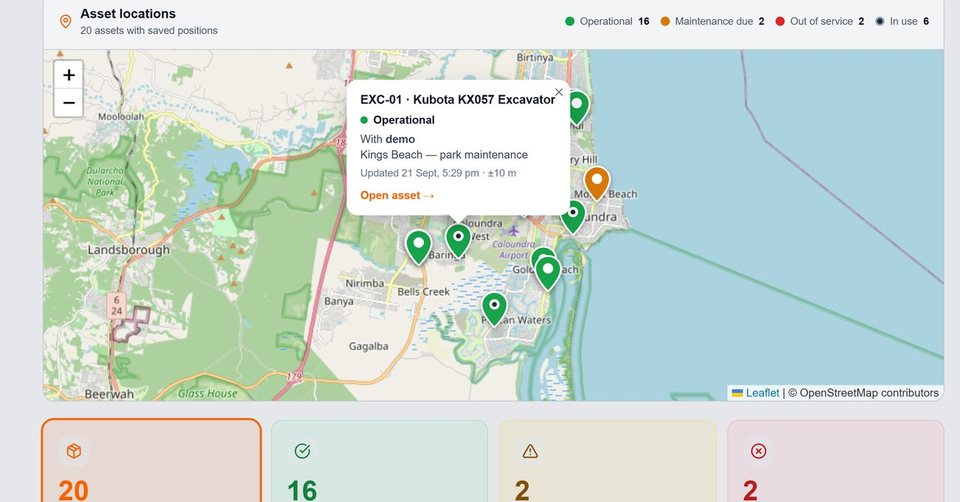
Every asset as a colour-coded pin — operational, maintenance due or out of service — with who has it and when it moved.
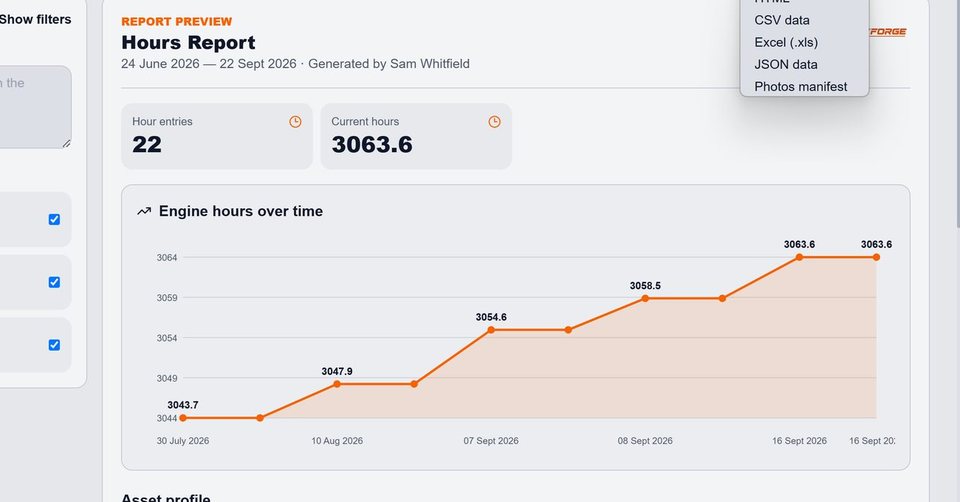
Hours graphs, workshop summaries and an organised accountability trail — export to PDF, Excel, CSV or HTML.
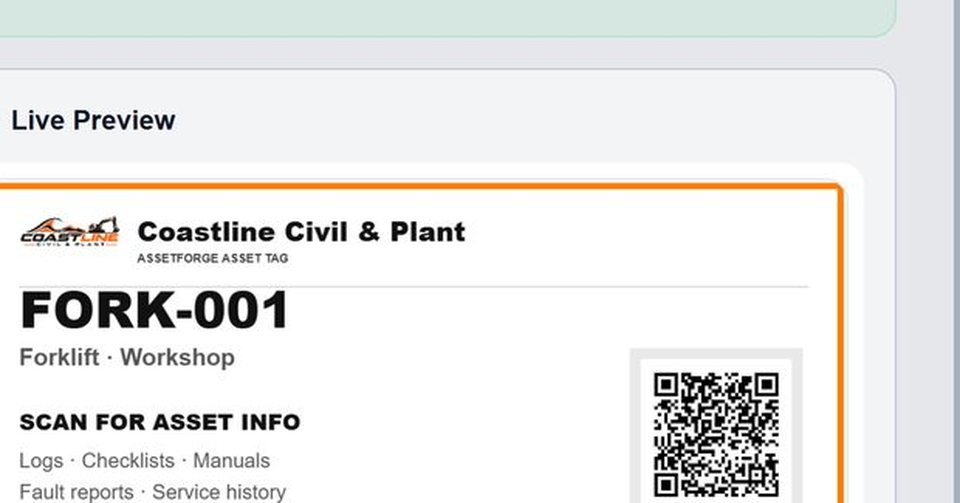
Company name, logo and colours on the app, reports, QR labels, Do Not Operate tags and posters.
Reports, labels & documents
Turn the history already stored in AssetForge into professional reports, printable QR labels and asset-specific documents without rebuilding the information somewhere else.


On a phone
Staff open AssetForge in their phone browser on the workshop Wi-Fi. The interface stays focused on the jobs they actually need to do: scan, view history, complete checks and report issues.
Local-first by design
Workshop workflows
Explore the AssetForge workflows in more detail, from QR identification and digital pre-starts to maintenance records and practical forklift checks.
Bring machinery, tools, vehicles, status, documents and history into one practical system.
Explore workshop asset management →Replace paper checks with phone-based submissions kept against the correct asset.
Explore digital pre-starts →Scan a physical label to open the asset record, checks, faults and history.
Explore QR asset tracking →Pricing
AssetForge covers the whole day-to-day workshop system. AssetForge Advanced adds maps, deeper history and your own branding for fleets, hire gear and multi-site teams. No per-user or per-asset pricing on either.
Everything a workshop runs on, day to day.
Everything in AssetForge, plus full visibility of where things are and who has them.
Compare every feature · Which plan suits your industry? · Still not convinced? See how we compare on cost →
FAQ
Want the long version? The full FAQ page covers setup, licensing, mobile access, backups, reports and more.
Open full FAQAssetForge is a local Windows app for tracking equipment such as forklifts, vehicles, tools and machinery. The office computer hosts the app; staff connect from phones on site or remotely.
No. Staff open AssetForge in their phone browser on the workshop Wi-Fi. The phone interface is laid out for scanning, checks, faults and history.
AssetForge is local-first. Records, photos and reports are stored on your own hardware, with backups saved to a folder you choose.
You buy a subscription, receive a licence key, install AssetForge on your office computer and paste the key into the activation screen. Updates are included while the subscription is active.
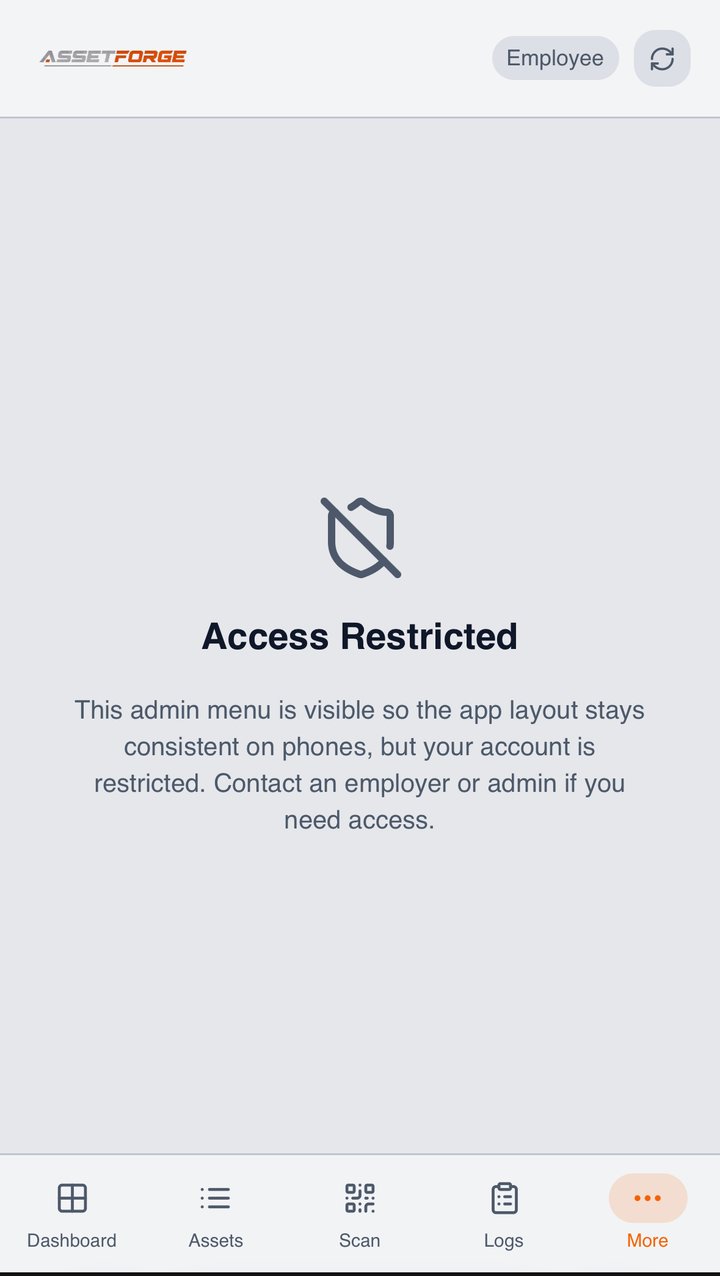
Yes. Add a login for each employee and choose which sections that person can see and use. Their actions are recorded under their name.
Ready when the workshop is